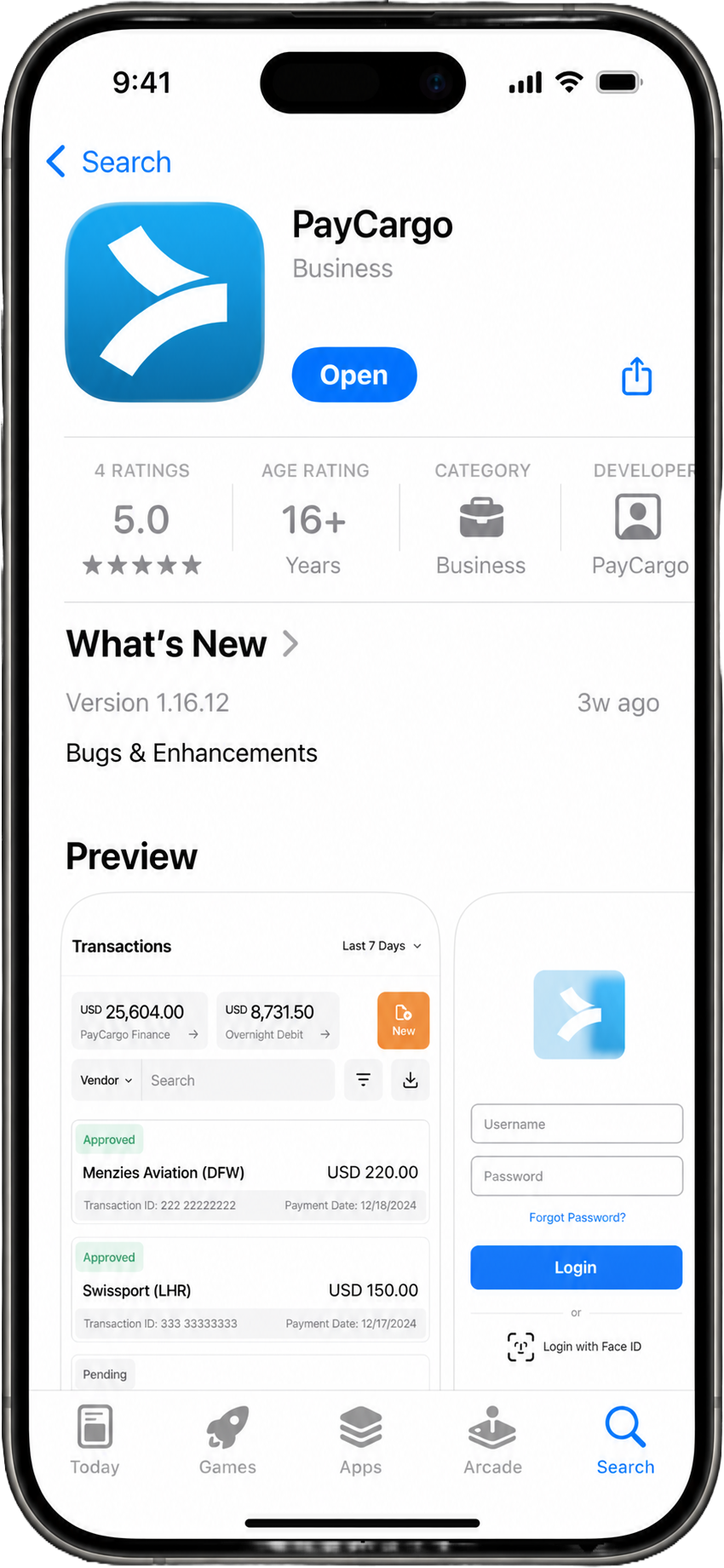
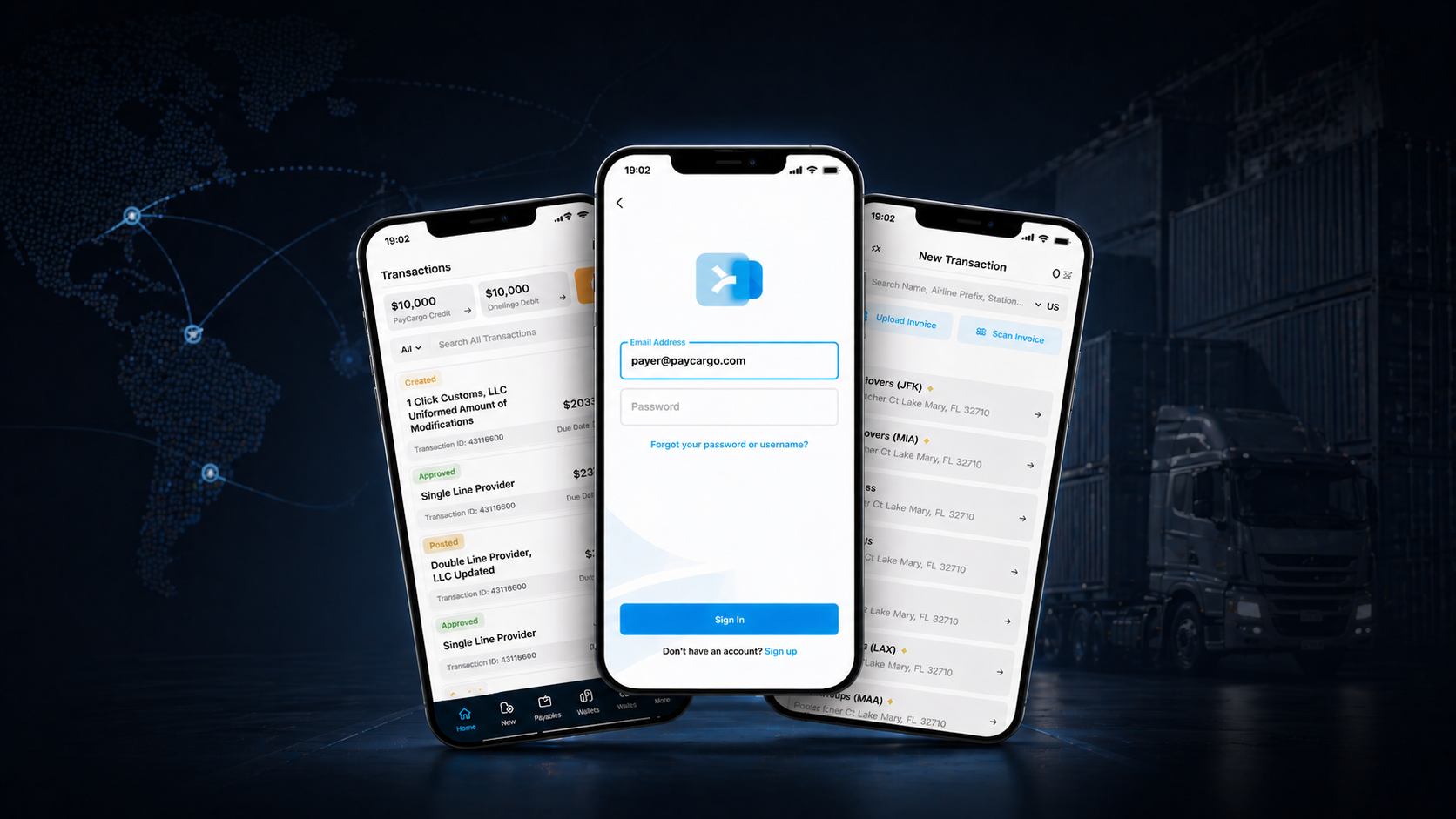
Designing the PayCargo mobile app from scratch.
I led the end-to-end design of PayCargo's first mobile app, from scratch. AP teams approve payments from the road; truckers, drivers, and field operators pay on-site the moment cargo is ready at the terminal or warehouse. PayCargo finally runs where the cargo does.
What it meant for the business.
Why we built it.
PayCargo's web product served the AP manager at her desk. But freight doesn't run from a desk, and a whole group of users (truckers, drivers, field operators) never sat at one. Until the carrier gets paid, cargo sits at port racking up demurrage by the hour.
Three signals made the mobile case undeniable: 47% of web sessions started on mobile (and abandoned within two screens), an entire user segment couldn't use PayCargo without a laptop, and 18% of weekly support tickets contained phrases like "on the road," "at the terminal," or "couldn't get to my computer." The opportunity wasn't "PayCargo, but smaller." It was building the tool for the person standing next to the cargo.
Three angles on the same problem.
With no existing mobile product to evaluate, I ran three research tracks in parallel: competitor analysis (how the job is solved on competing apps), in-house analytics on PayCargo's mobile-web traffic, and contextual interviews with AP teams, drivers, and field operators in their actual environments. Nothing made the roadmap unless all three pointed at the same friction.
Competitor analysis
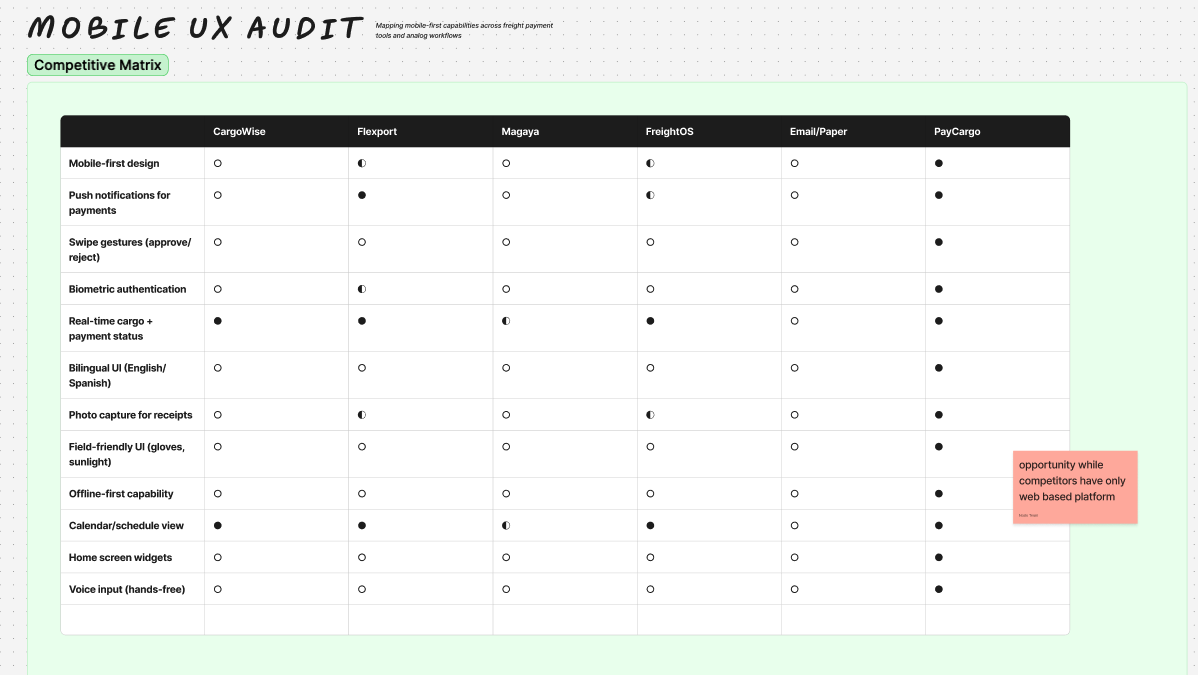
I audited (a) freight and logistics mobile apps (CargoWise, Flexport, CargoSprint), (b) approval-workflow apps in adjacent B2B fintech, and (c) field-operative apps from outside fintech (ServiceTitan, Onfleet) to understand how mobile patterns translate to high-stakes, time-sensitive, professional contexts.
The output: a what to adopt, what to reject, what to invent map ranked by relevance to the cargo job.
Mobile demand signals in Amplitude + Support
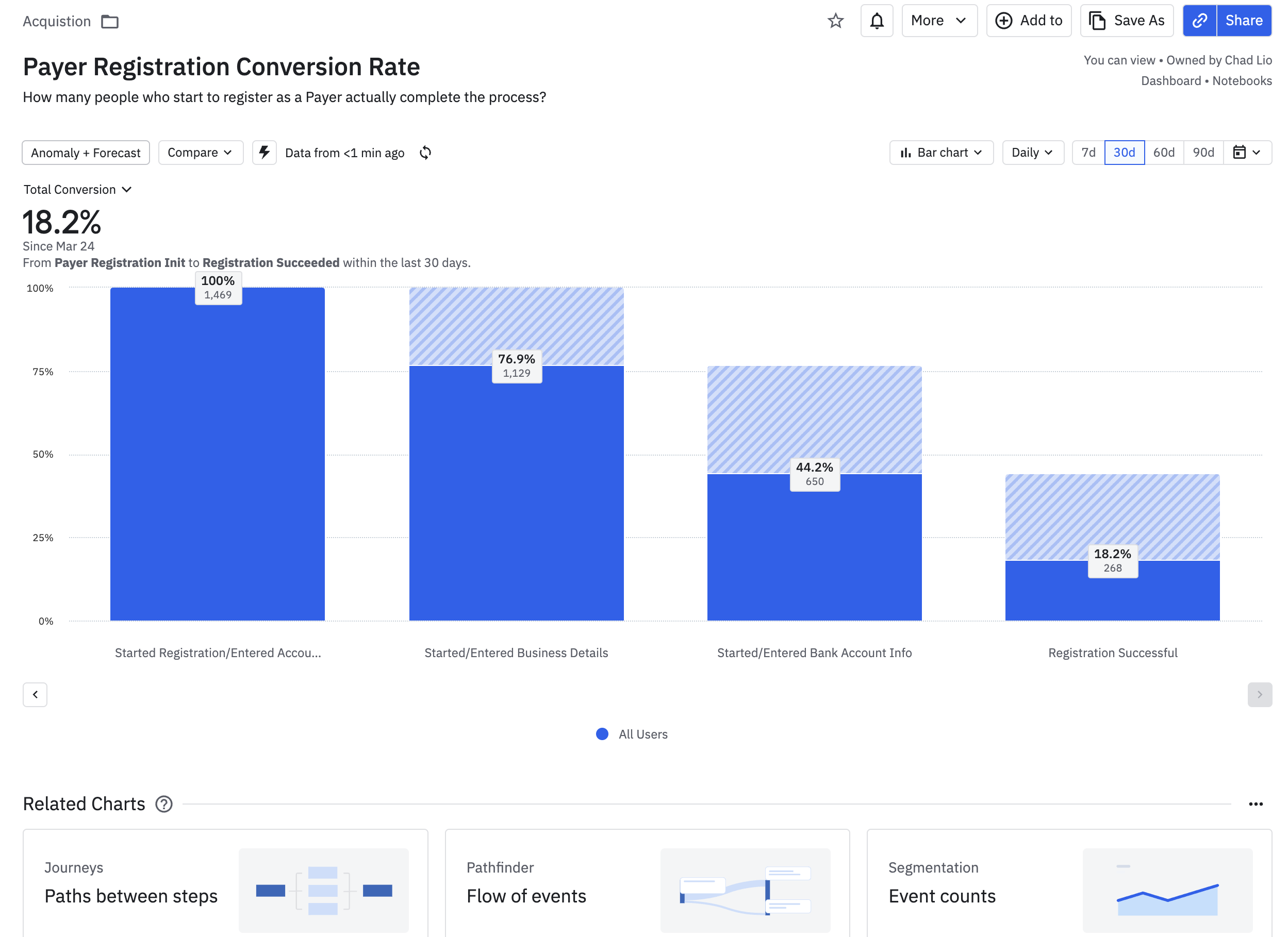
Even without a mobile product, the demand signal was already in our data. I ran segment analysis on web users by device class, pulled abandonment funnels for mobile traffic, and worked with Customer Success to tag and surface support tickets that mentioned mobile or field contexts.
Within a week we had quantified evidence that 47% of users were already attempting the job on phone, and bouncing.
Contextual interviews in the field
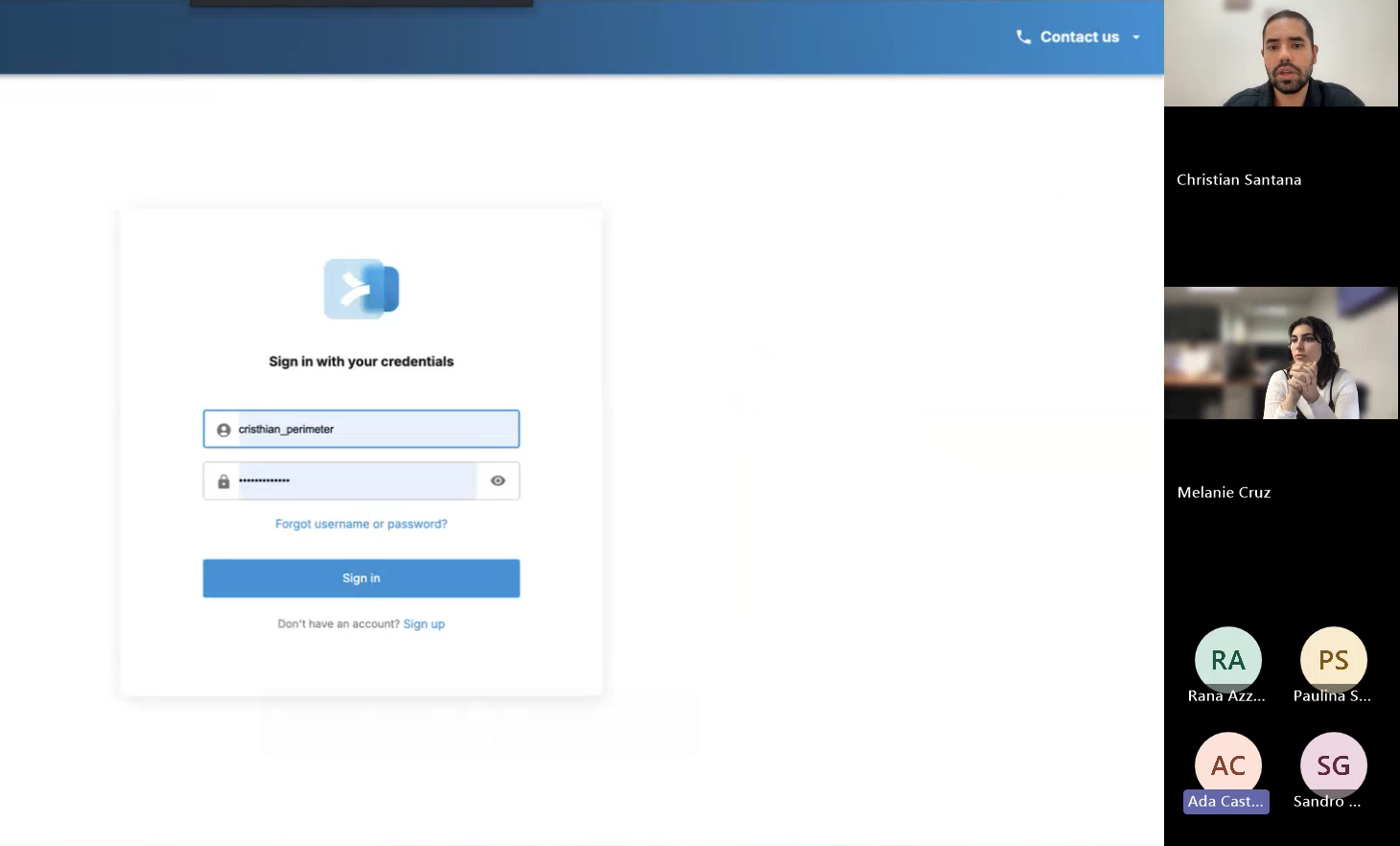
For the desktop case, interviews validated hypotheses already shaped by data. For this project, interviews were the primary evidence. I ran 14 contextual interviews across truckers, brokers, dispatchers, and AP managers, with a mix of at-port visits, on-site walkthroughs, and ride-alongs.
The question that unlocked everything: "Walk me through the last time you needed to do something PayCargo-related and weren't at your desk."
Mobile opportunities.
Three patterns showed up across the audit, the analytics, and the interviews. The triangulation separated real opportunities from a feature wishlist.
On-site payments at cargo release
- Container ready, no AP available. A trucker, driver, or broker is at the gate with the container ready, and payment has to clear now.
- Manual workaround chain. Phone the office, wait for AP to log in, sometimes fax. Every step is minutes lost.
- Cost compounds by the minute. Demurrage starts the moment the wait does. Every minute is paid by the carrier or the shipper, and none of it comes back.
Speed-up for AP users on the move
- 47% mobile sessions, mostly abandoned. People on phones leaking out of the funnel within the first two screens.
- Improvised workarounds. Forwarding emails to spouses, calling junior staff to log in, screenshotting requests over WhatsApp.
- A native flow reclaims the time. The mobile funnel turns the workaround into a 30-second approval.
Status at a glance
- Checked many times a day. Brokers, dispatchers, and ops staff constantly watch cargo and payment status.
- No need to open the app. Push notifications, lock-screen status, and a home-screen widget surface what users need without a single tap.
- The everyday-use hook. Quick daily checks build the habit that keeps the app on the home screen.
Defining the mobile job, then designing for it.
One session set the direction for mobile. PM, Engineering, CS, and Sales in the room, with one required output: a Job-to-Be-Done specific to mobile that every feature would later have to defend itself against. Without it, the product would have drifted into "desktop, smaller."
That framing made the MVP cut obvious. Mobile wasn't desktop made smaller. It was the on-the-ground payments device. Every proposed feature had to clear the 90-second test, and anything that didn't help close that loop shipped in v2.
Two options on the table
The workshop output split into two different bets, same JTBD with different scope. Both went to mid-fi for a usability round before we committed to high-fidelity.
Click any option above to expand. Option B cleared the 90-second test in round-1 usability and became the foundation for high-fi.
User testing, one round per platform.
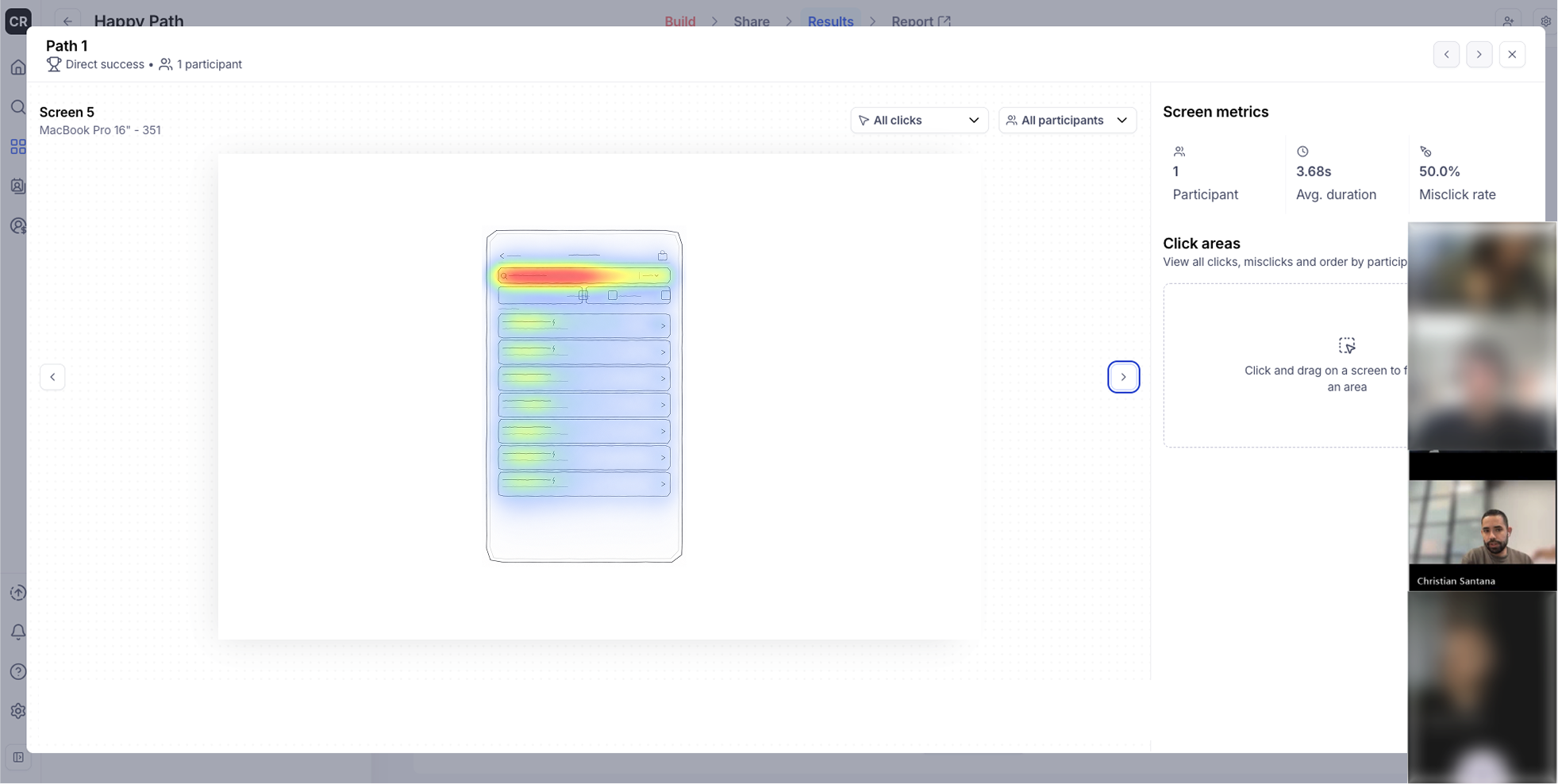
Before high fidelity, four mobile-specific principles drove every screen: one-handed by default (primary actions in the bottom thumb arc), glanceable over comprehensive (answer from the notification when possible), offline-tolerant (cached state + optimistic UI, since ports have terrible connectivity), and biometric-first auth (Face ID / Touch ID, never password every time). Two Maze + UserTesting rounds followed, one on iOS and one on Android, sized to validate the 90-second test and surface platform-specific patterns before production.

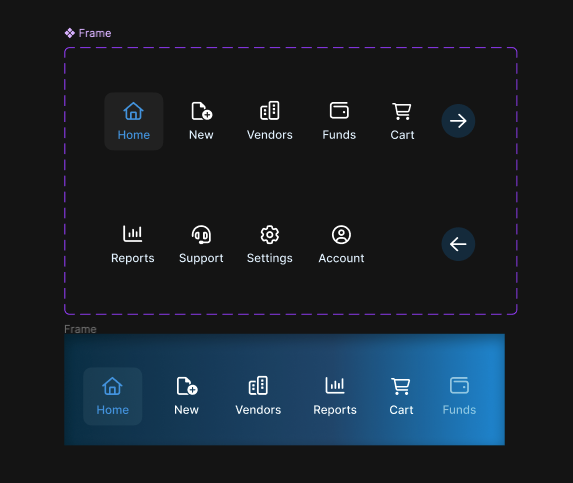
Mobile design system extension
What we shipped.
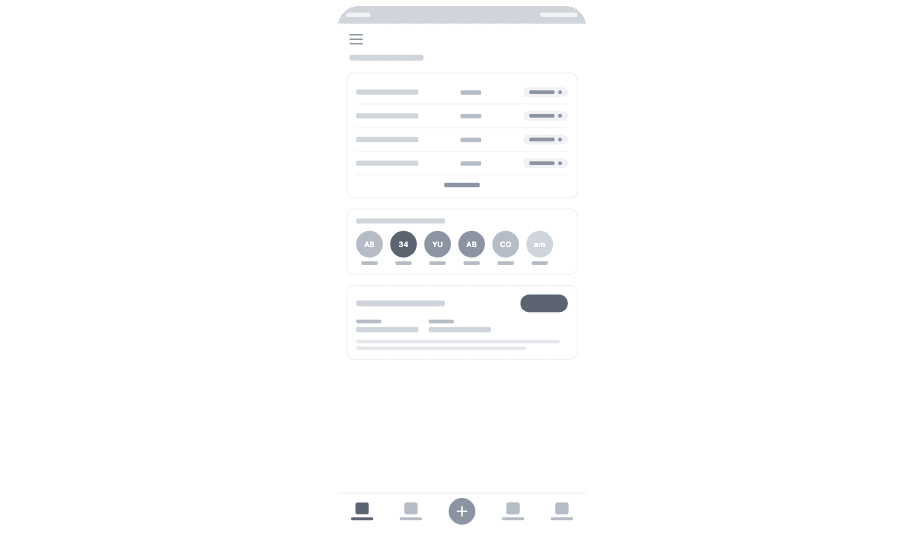
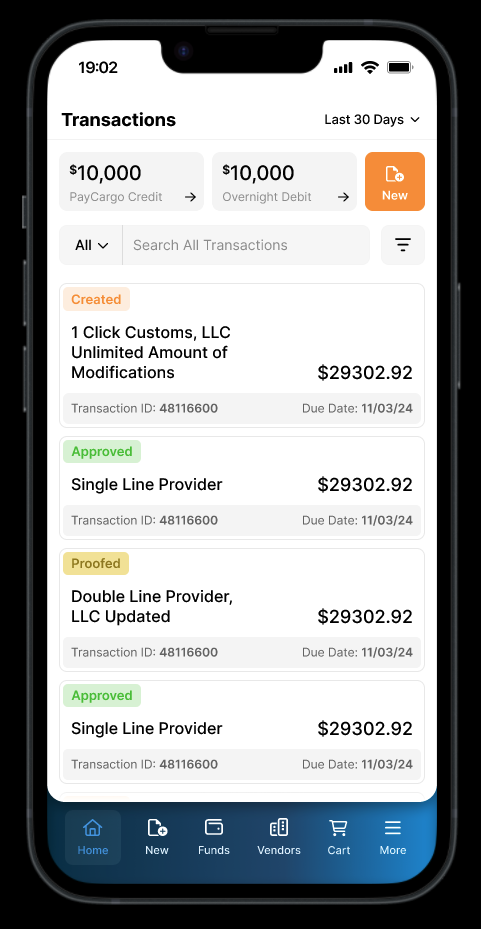
A focused MVP shipped on iOS and Android. Three surfaces, each one chosen because it cleared the 90-second test: open the app, finish the job, get back to work.
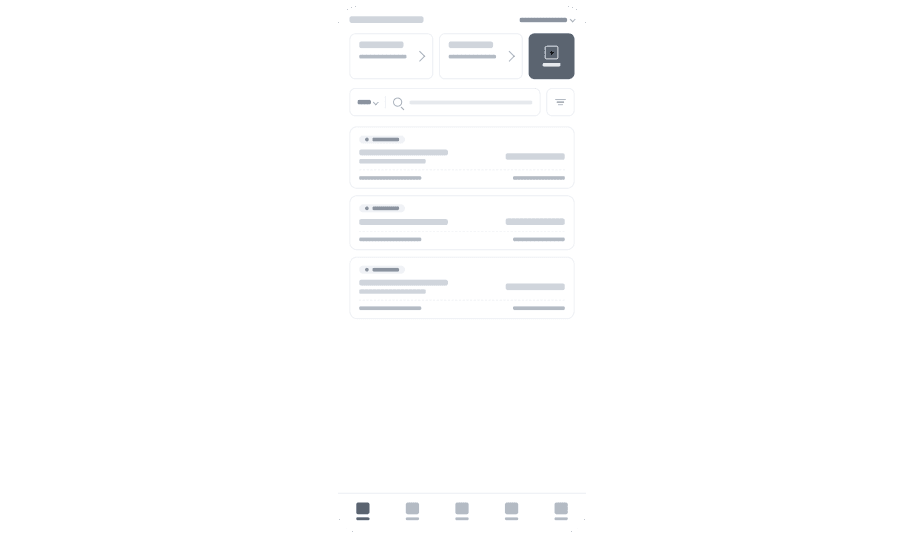
Glanceable cargo + payment status from the home screen
iOS and Android home-screen widget showing pending payments, recent releases, and cargo status. Push notifications only fire on state changes that actually matter (released, blocked, payment-required), so the user isn't pinged for every backend event.
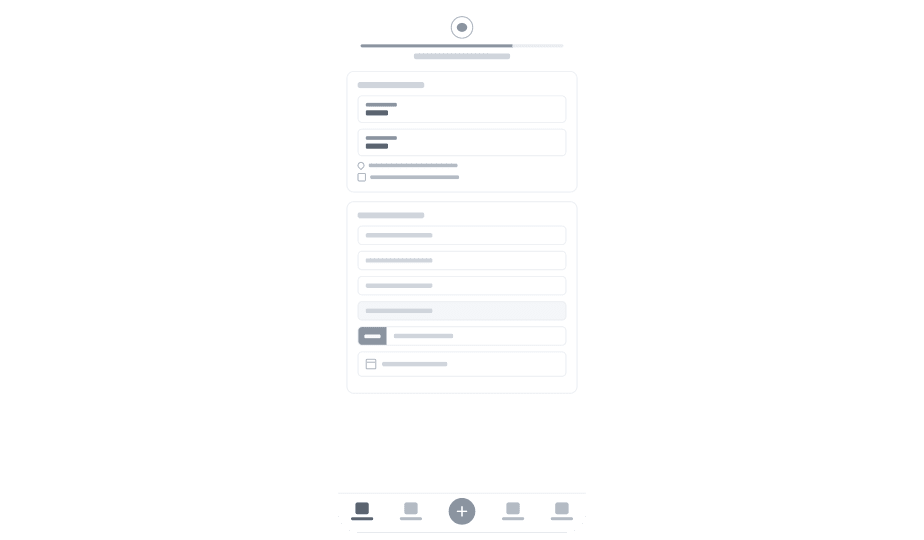
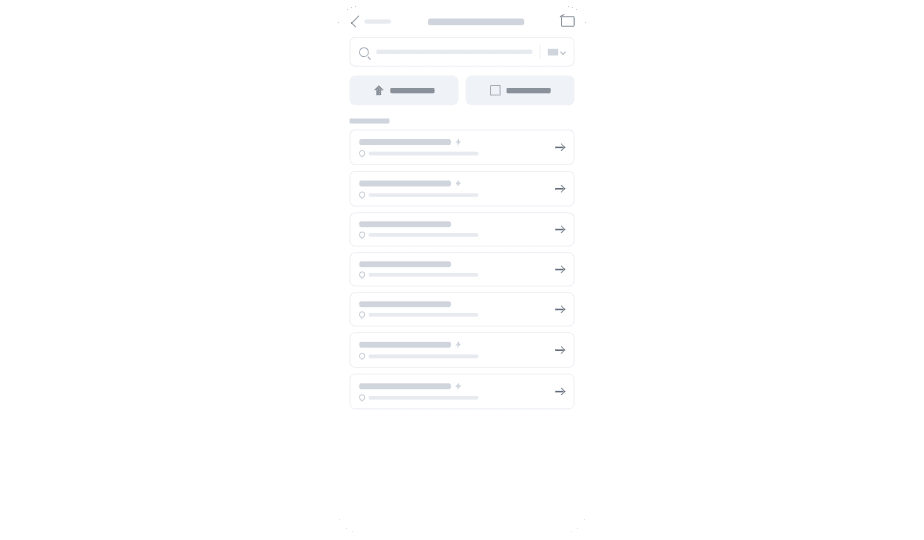
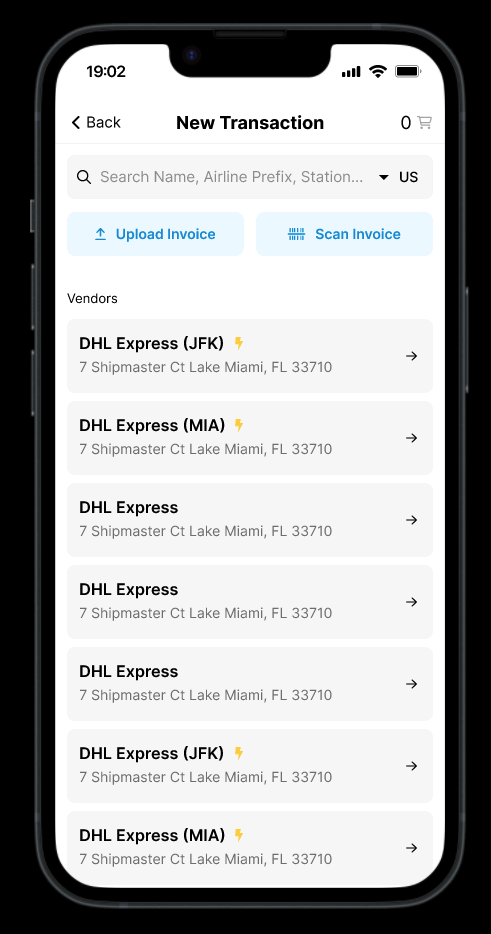
Find the right vendor: airline, station, or name
Searchable vendor directory tuned for the gate: airline prefix, station, or carrier name with a country filter. Lightning-marked frequent vendors float to the top, so repeat-pay flows take one tap instead of five.
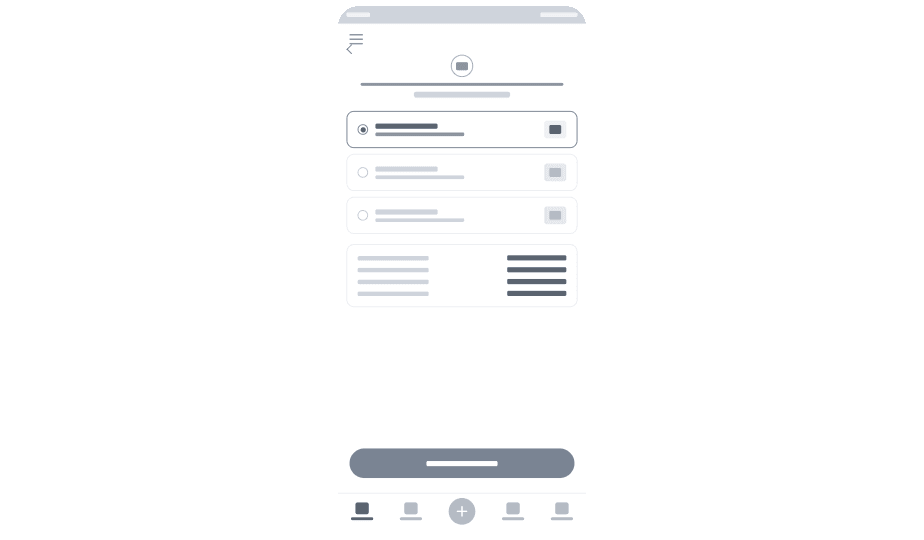
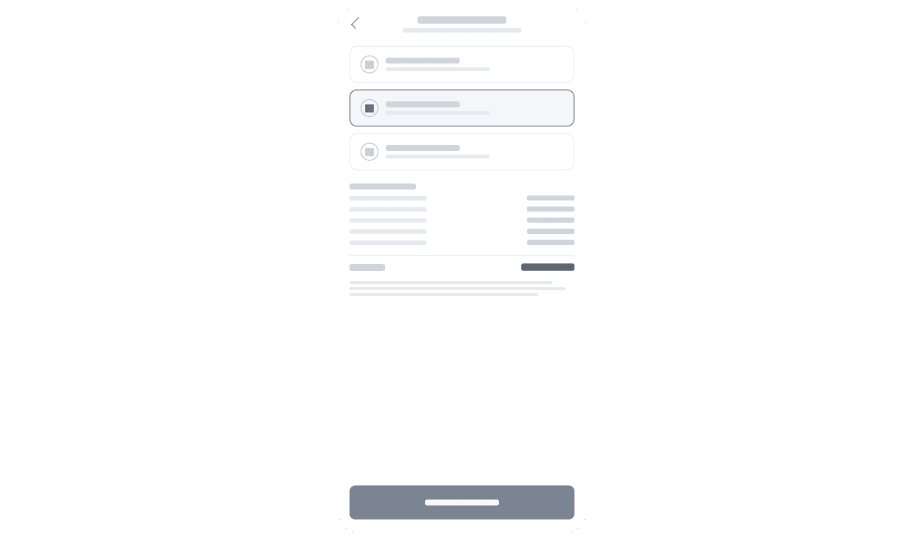
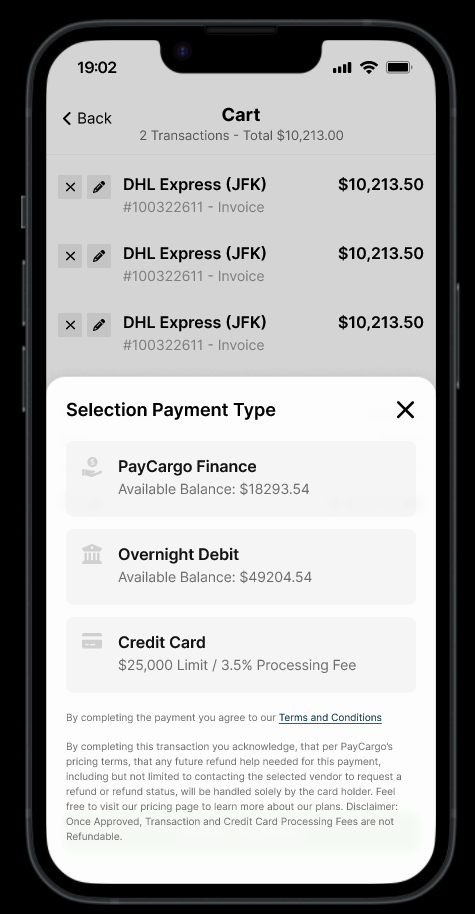
Pick how to pay in one tap
Bottom-sheet payment selector with available balances inline, so users see what they can spend before they commit. PayCargo Finance, Overnight Debit, and Credit Card each show processing fees at the moment of choice instead of on a confirmation screen.
The numbers, post-launch.
Key learnings.
Two columns of muscle memory: the patterns that fought us in this 0→1 mobile project, and the ones that compounded enough to bring forward.
What I'd do differently
- Run a diary study before the sprint. The contextual interviews were powerful but episodic. A two-week diary study would have surfaced the rhythm of mobile needs across a full operating cycle, not just the moments interviewees remembered.
- Set up event-level analytics before the first build. Some early mobile metrics had gaps because we instrumented in waves. Tag everything from sketch one.